Drag to rotate · Tap an arrow to release · Scroll to zoom
Arrow Cube 3D
A free online cube arrow puzzle. Rotate, find an opening, and clear every face.
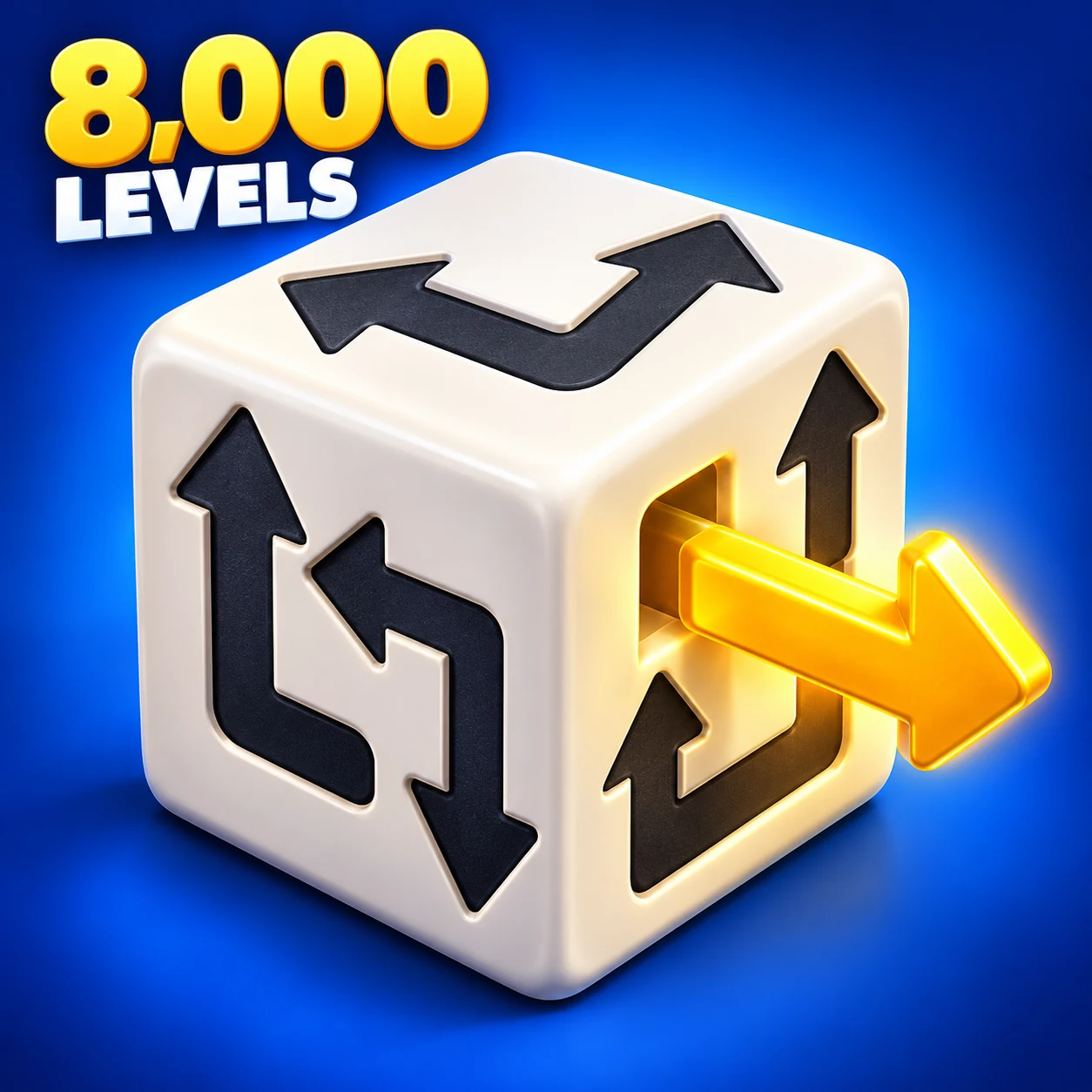
How to Play Arrow Cube 3D
Click or tap an arrow whose path is clear to release it. Hold and drag to turn the six-sided cube and inspect the arrows on its other faces. Keep finding open paths until every arrow is gone.
Look in the direction of the arrowhead before you tap. If something is in the way, remove that blocker first. Clearing one arrow can open a path for several others.
A Beginner's Guide to the Cube
- Look around before your first move. Drag the cube to inspect all six faces and find arrows that already have room to leave.
- Start with a less crowded face. If the board looks busy, a face with fewer arrows can be easier to read. Follow one arrow's exit path rather than trying to solve the whole cube at once.
- Check again after each release. A blocked arrow may now be free. If you run out of obvious moves, turn the cube to look for an opening on another face.
8,000 Original Arrow Cube 3D Levels
This version has 8,000 different arrow layouts. The opening levels introduce the rules with a few arrows; later puzzles add longer paths around the edges and arrows on the back and bottom of the cube.
Play a level during a break, or keep going as the next cube appears. You can return to any unlocked level through the level selector, so there is room to revisit a puzzle as well as move forward.
Choose your background
Keep the warm cream background, or choose pure white, cool mist, soft sage or blush pink in Settings. The cube faces and Hint button change to match. Your choice is remembered in this browser for your next visit.
Play Arrow Cube 3D on Mobile or Desktop
Open this page in a modern browser to play on your iPhone, iPad or Android phone, or on a Mac, Windows or Linux computer. No download or sign-up needed.
On a phone, drag with one finger to rotate the cube. Use your thumb and index finger to pinch inward or spread apart to zoom. On a computer, drag with the mouse and use the mouse wheel to zoom.
Game Controls
- Hint
- The button below the cube highlights a safe arrow with a soft pulse. It keeps your view still when a safe arrow is already visible, and gently turns the cube only when needed to reveal one.
- Level
- Tap the level number at the top to open the level selector. It opens on the page containing your current level, with 40 levels per page. Choose any level you have unlocked.
- Hearts
- You start each level with three hearts. Trying to release a blocked arrow costs one heart. When all three are gone, choose whether to continue or start the level over.
- Settings
- The gear in the upper-right corner opens the sound setting, background colors and playing guide. Pick a color swatch to change the background immediately. Sound is off by default; you can turn it on here.
Arrow Cube 3D FAQ
Is Arrow Cube 3D free to play online?
Yes. All 8,000 levels are free to play in your browser, with no download or sign-up required.
Why won't an arrow move?
The space in front of its head must be clear. Another arrow, or part of the same arrow's body, can block the exit. Rotate the cube to inspect the path, then clear the blocker before trying again.
Does Arrow Cube 3D save my progress?
Yes. Your current level and unlocked levels are saved in this browser on this device. Reopen the page to return to the level you last selected. A partly cleared board is not saved: refreshing restarts that level. Progress does not sync between devices or browsers, and clearing site data removes the save.
How do I get more hints?
You get three hints each time you start a level. Finishing a level or restarting it refills the count to three. Restoring your hearts with Continue keeps the hints you have left.
What happens when I run out of hearts?
Choose Continue to restore all three hearts and keep the arrows you have already cleared. Choose Start over to reset the current puzzle and its hint count.